Hidden Admin in WordPress: How to Find an Invisible Attacker
A client sent me a message:
“Could you take a look at my website, please? Wordfence sent me an alert that a file called wp-fixplugin.php changed on the site. Isn't that name a bit suspicious?”
Damn right it is.
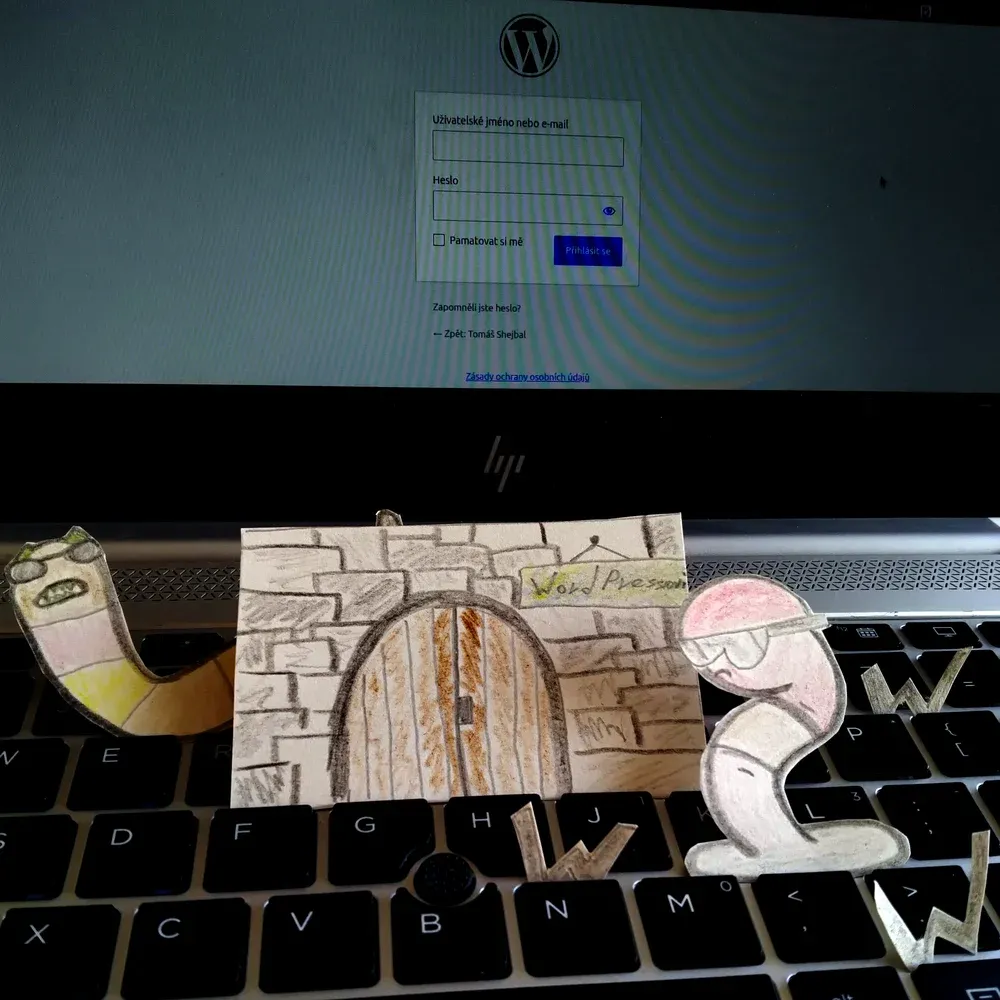
Published: 28 Aug 2026
I got to work and cleaned the site up in 3 hours. While cleaning, I took notes so I could later go through the backups and try to figure out how the site got compromised.
I'm not a forensic analyst, so based on my own knowledge and abilities I put together a simple timeline of the attack:
| Date and time | Event |
|---|---|
| Jul 16 | WordPress is running on WP 6.9.1. |
| Jul 17 | The WP community finds two holes in WP (see below). Both are patched by the release of WP 7.0.2. |
| Jul 20, 06:17 | An admin account called "wpenginebot" appears on the site. |
| Jul 24 | WordPress updated to 7.0.2 (the hole is closed by now, but wpenginebot is already on the site). |
| Jul 30, 00:12 | Files created (disguised as plugins): wordpress-cache-optimizer.php and wp-content-filter.php |
| Jul 30, 02:04 | wpenginebot logs in from 87.120.126.82 (Frankfurt, though that could just as well be a VPN routed through Frankfurt) - the attacker comes back to check on/finish the deployment. |
| Aug 1 | At some point around then, wp-fixplugin.php (a mu-plugin) appears - according to the backups it must have been added between Jul 30 and Aug 1 (unfortunately I deleted it before noting the exact date, same with the infected backups). |
The dates line up with a security hole discovered a few days earlier (first row of the table). It was a serious vulnerability in the WordPress core - the type where the attacker doesn't need to know any password at all, breaking in directly through a bug in the software (so-called RCE, remote code execution). The site was wide open to it at the time. The window between the patch being released and the client's update is exactly when the attacker first struck.
Now, in more detail, about what was actually happening on the site.
The suspicious wp-fixplugin.php file in MU plugins, and a fake Google Tag Manager
MU plugins have a special place in WP. They're pieces of code that run before regular plugins, and they're not visible in the WP admin.
One of them, named wp-fixplugin.php (the one Wordfence flagged, as the client wrote) was injecting code (JavaScript) into the page that tried to pass itself off as Google Tag Manager.
Funny thing is, this site actually uses cookieless analytics from Koko (more about it in the article Do You Track Your Website Traffic? I Tested Four Tools at Once - Here Are the Results). On top of that, in the code it was communicating with a completely different server than Google's.
And it was done cleverly - it only injected itself into pages for visitors, not for logged-in admins, so nobody who owns the site would ever see it with their own eyes.
It also had its own remote API letting the attacker edit the JavaScript content, or delete the whole backdoor outright. In other words: the attacker kept a service hatch into their own malware so they could update it. Sneaky!
It turned out the infection was present in backups going back three weeks. Rolling the site back a month is a lot for a site with a blog and various courses. I decided it would be simpler to clean the site than to painstakingly search through content changes (and reopen it to the vulnerability all over again).
The unknown administrator
It occurred to me to check whether the site was infected by the backdoor from Jul 17. It's known to first show up by creating a foreign admin account. And sure enough, it was there - named, so there'd be no doubt: wpenginebot.
I deleted it, and within a minute the account reappeared. In Wordfence's login history I found the dates of the account's last successful logins. According to the IP address, the bot was connecting from Frankfurt (which of course doesn't necessarily mean anything - could be a VPN).
Normally I start by changing passwords (database, FTP, WordPress). Here I only changed FTP and the database - the attacker (doesn't matter whether human or bot) was logging in through an admin account it had created itself, and which it could even restore automatically.
Checking the WP configuration file wp-config.php
In the WP configuration (the wp-config.php file) lines had been added allowing code execution from the /wp-content/uploads folder - that's the folder where images and media are stored, and it has no business running code. The moment something like that shows up on a site, something is going on (even if no other traces were left).
A plugin that optimised absolutely nothing
Among the installed plugins I found one with an innocent-sounding name - "WordPress Cache Optimizer". First, I didn't recognise it, and second, its version number seemed odd: 1.0.0. I suspected it might be some abandoned plugin. But no.
That "cache optimizer" wasn't optimising anything at all. What it did optimise was adding yet another hidden admin account, wphiddenbot, in a way that kept it out of the admin panel. Opening up the database confirmed it.
Good for a laugh
The password for that hidden admin account was written directly in the code. An attacker who went to all that trouble hiding it left the key for other crooks right under the doormat.
They also used a script that called itself "Site Health Cleanup". In reality it checked the list of admins - probably precisely so it could restore admin accounts after they were deleted.
After deleting the intruder's account from the admin panel and the second (hidden) one from the database, the account never came back.
Recap of deleted files
Let's recap. The plugins and files with the infection were:
- wp-content/mu-plugins/wp-fixplugin.php
- wp-content/plugins/wp-content-filter/
- wp-content/plugins/wordpress-cache-optimizer
- an edit inside wp-config.php
- + possibly more in the WP core (see the cleanup section below).
Cleanup
The cleanup looked like this:
- Regenerating the "salts" - replacing the security keys (salt keys) in
wp-config.php, so that any stolen login cookies would stop working for the attacker. - Setting new passwords for every access point (database, FTP; in other cases I'd also regenerate the WP accounts, when it's not clear how the attacker got in).
- A complete re-upload of the WordPress core with a clean version (naturally excluding htaccess and wp-config).
- Searching
wp-content/uploadsfor any executable code. - A full site scan with a plugin (Wordfence - how to set it up in this article) to confirm nothing malicious was left.
Frequently Asked Questions
What is a mu-plugin?
A must-use plugin is a special folder for plugins that WordPress runs even before regular plugins. Mu-plugins aren't shown in the plugin list. They can't be disabled with a click, only by deleting the file - an ideal hiding spot for an attacker.
What is wp-config?
WordPress's main configuration file - it holds the database connection, security keys ("salts"), and basic settings without which the site won't even boot up.
Why should I be alarmed if wp-config.php allows code execution from the wp-content/uploads folder?
The /wp-content/uploads folder is meant for images and other media, not for running code. WP has plenty of other places for that. If someone added that possibility to wp-content/uploads, it means they've prepared fertile ground for malicious files that won't be affected by plugin or core WP updates. This change on its own is a strong signal that something's going on with the site.
Why isn't updating WordPress once a month enough?
Every change in WordPress gets published (and this isn't unique to WP, it's true for any software). It's not just developers who follow these releases - the bad actors get them served on a silver platter too. For serious vulnerabilities (of the RCE type, where the attacker doesn't need to know any password), automated scripts (and nowadays even LLM agents) start scanning the internet within hours to days of the patch going public. Sites that aren't updated are low-hanging fruit, just waiting to be picked.
Why should a hacked website bother me? What would anyone even get out of it?
Well, it depends. You're right that unless you're some kind of celebrity who can be blackmailed (or just bragged about in some community, "look who I hacked"), it's usually not about the data.
In your case, it's more likely about this:
- Using your site for DDoS attacks. Simply put: your site becomes one of the "mercenaries" attacking some target site to overload and take it down. The target can be anything. The attacker stays hidden behind you.
- Redirecting your site to some gambling site or adult content (most clients won't exactly appreciate that, and you lose opportunities, money, and reputation).
- Your WordPress can send emails (from your domain), and it's probably not on any email blacklists yet. That can change with a single spam blast. You won't easily get your domain's reputation back afterwards. If you do email marketing, you might as well register a brand new domain.
Should I have automatic updates turned on for WordPress?
Yes and no. It's worth having automatic core updates turned on for security fixes:define( 'WP_AUTO_UPDATE_CORE', 'minor' );
I prefer to do major new WP version releases manually - that way I'm not caught off guard by plugin incompatibilities or a broken site. Because you really don't want to log in on a Monday and deal with your site being down since Friday at eleven because of a failed update.
How do I spot a suspicious plugin when it looks completely harmless?
Follow this rule: if you don't use a plugin, delete it. Same goes for WordPress themes. If you don't know what a plugin does, google it or ask a chatbot.
Why do I need to change passwords absolutely everywhere, when deleting the attacker's accounts should be enough?
If the attacker had write access to the disk, they probably saw everything you had stored there - including your database login credentials. Deleting the account in WP just throws the intruder out through one door. They still keep the keys to everything else, until you change the passwords everywhere.
If you don't know how they got in, change all your passwords and don't forget to regenerate the "salts" in wp-config.
What is wp2shell?
wp2shell is the name for a chain of two WordPress vulnerabilities from Jul 17, 2026, tracked as CVE-2026-60137 and CVE-2026-63030.
The attack needs both holes, working one after the other:
1. The first bug creates a hole in the site's front door, letting someone peek inside without a password.
2. The second bug uses that hole to create an admin account.
Which WordPress versions were affected by the wp2shell vulnerability?
The affected WordPress versions were:
- 6.9.0-6.9.4
- 7.0.0-7.0.1.
Fixes for the holes were released in versions:
- WP 6.9.5
- 7.0.2
released on Jul 17, 2026.